by Josef Weiss
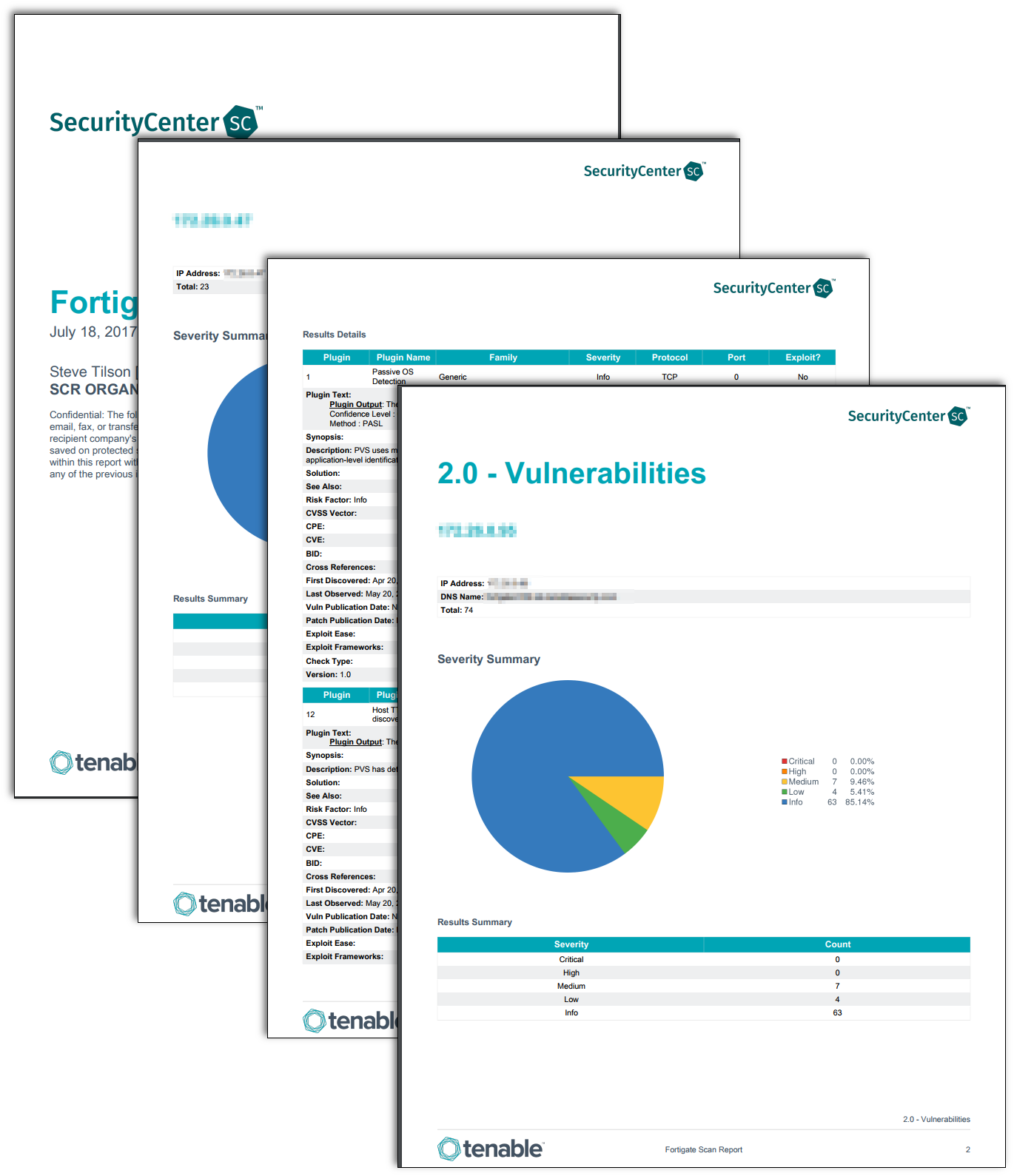
This report leverages the Tenable FortiGate Best Practices Audit and other plugins to provide security settings and other useful information on FortiGate device configuration to an administrator.
Requirements:
- root/admin SSH credentials for FortiGate FortiOS device.
- Plugin ID #70272 (Fortigate FortiOS compliance checks)
- Audit File for Fortigate (TNS_Fortigate_Best_Practices.audit)
- FortiOS Dynamic Asset
Security settings included in this audit:
- Password Policy
- Malware Detection Configuration
- Enabled Services
- Expired/Unexpired License Information
- Log Threshold Configuration
- NTP Configuration
- SNMP Configuration
- Admin User Listing
- Patch Update Method
- Audit and Log Configuration
- Syslog/Fortianlyzer
- Authentication
- LDAP/RADIUS Configuration
The report is available in the SecurityCenter Feed, a comprehensive collection of dashboards, reports, assurance report cards and assets. The report can be easily located in the SecurityCenter Feed under the category Compliance & Configuration Assessment. The report requirements are:
- SecurityCenter 4.8.0
- Nessus 5.2.5
- Audit File for Fortigate (TNS_Fortigate_Best_Practices.audit)
- FortiOS Dynamic Asset
Tenable One
Request a demo
The world’s leading AI-powered exposure management platform.
Thank You
Thank you for your interest in Tenable One.
A representative will be in touch soon.
Form ID: 7469
Form Name: one-eval
Form Class: c-form form-panel__global-form c-form--mkto js-mkto-no-css js-form-hanging-label c-form--hide-comments
Form Wrapper ID: one-eval-form-wrapper
Confirmation Class: one-eval-confirmform-modal
Simulate Success